Auto profile on open
Competitors make you click Apply on a pile of tweaks. REFLUX builds a custom profile for your CPU and GPU and applies it when you launch.
Other apps make you click Apply forever. REFLUX detects your CPU and GPU, builds a custom profile, and applies it when you open the app. FREE is lighter. PRO goes deeper. About 20 to 100 FPS depending on the rig.
 REFLUX PROLIVE
Live timer — starts when you activate your license key in the app.
 Apex Legends
 CS2
CS2 Call of Duty
 Rust
Rust Rainbow Six
 PUBG
PUBG Overwatch 2
 GTA V
GTA V Elden Ring
 Cyberpunk 2077
 Destiny 2
 Team Fortress 2Apex LegendsCS2Call of DutyRustRainbow SixPUBGOverwatch 2GTA VElden RingCyberpunk 2077Destiny 2Team Fortress 2


vouch 20+ fps added -30 ping running stable 240fps and lower lag on fn
vouch @reflux 30 fps added free version roblox went from running 30 fps to running 60+. laptop went 30 fps to 75 avg, peak 120
vouch 50+ fps -20 ms on roblox. helped me step by step and answered every question. ill buy premium soon
from 60 fps to 80, less ping less delay, tested on roblox, free version. thanks!
vouch 20+ fps added -30 ping running stable 240fps and lower lag on fn
vouch @reflux 30 fps added free version roblox went from running 30 fps to running 60+. laptop went 30 fps to 75 avg, peak 120
vouch 50+ fps -20 ms on roblox. helped me step by step and answered every question. ill buy premium soon
from 60 fps to 80, less ping less delay, tested on roblox, free version. thanks!
vouch 20+ fps added -30 ping running stable 240fps and lower lag on fn
vouch @reflux 30 fps added free version roblox went from running 30 fps to running 60+. laptop went 30 fps to 75 avg, peak 120
vouch 50+ fps -20 ms on roblox. helped me step by step and answered every question. ill buy premium soon
from 60 fps to 80, less ping less delay, tested on roblox, free version. thanks!
The whole pitch in five words
Numbers pulled from real Discord vouches, not lab benchmarks.
Real hardware, not a render mock
We benchmarked on a tired 2018 budget machine — integrated graphics, 8 GB RAM, stock Windows. Same Fortnite session. REFLUX on vs off.
10-second live capture, then frozen. If REFLUX can lift a Intel UHD Graphics 620 this much, imagine your rig.
Input path, not a line graph
REFLUX removes the hidden queues between your mouse and the game — timer slack, TCP buffering, compositor overhead. One click applies the tweaks that actually matter.
Same 2018 budget laptop · measured in-game, not a synthetic benchmark chart.
Every bar is real Windows overhead between your click and what hits the screen.
What REFLUX flips for you
Timer Resolution Boost
1ms timer resolution
Disable Nagle's Algorithm
Packets ship instantly
Disable Fullscreen Optimizations
Lean render path
Low-Latency NIC Tuning
NIC responds faster
50 tweaks in the full desktop app. Real UI, not a landing-page mockup.
Keeps all CPU cores awake during gaming for smoother 1% lows.
130+ tweaks with one-click suites in the app.
Find installed games and optimize per title.
Per-game QoS in the Games tab. Toggle traffic priority live.
Step-by-step firmware tuning guides.
Temp cleanup, vacuum, and Windows debloat tools.
Backup before tweaks. Revert anytime.
Real desktop screens — live detection, vendor-matched tweaks, game scanner, and one-click optimizers. This is what you download.
Intel + NVIDIA? AMD + AMD? REFLUX detects your combo and unlocks the right CPU & GPU profiles automatically.
REFLUX PROREFLUX scanned your PC and matched tweaks to your exact build.
Skeptical? Good. Here's the proof behind each thing people ask before they download.
We beat the pink, green, and purple tweaker sites by doing the work on open, not by making you babysit every switch.
Competitors make you click Apply on a pile of tweaks. REFLUX builds a custom profile for your CPU and GPU and applies it when you launch.
FREE is a real desktop app with a lighter auto profile and file cleanup. PRO unlocks the full stack without forcing a fake premium wall for basics.
Clears background junk hard. Keeps Microsoft Edge. Warns you it empties Recycle Bin too. Make a restore point, run it, restart for the cleanest result.
A lot of tools ship at 10 to 50 MB. REFLUX is about 75 MB because the desktop suite, hardware profiles, and safety tools are packed in.
| REFLUX | Typical tweaker | |
|---|---|---|
| Applying tweaks | Automatic on open | You click Apply, forever |
| Tuned to hardware | Custom CPU + GPU profile | Same preset for everyone |
| Free version | Real desktop app | Demo or locked trial |
| Price | $0 free · $6.99/mo PRO | $20-40 one-off packs |
| Safety | Restore point built in, reversible | Hope for the best |
| Deep cleanup | Extreme Process Killer, keeps Edge | Kills random things you need |
sno**** on a laptop
Went from about 30 FPS to 75 average, with a high of 120 FPS. FREE version. That is the difference between fighting Windows and letting REFLUX tune it.
Across low end to high end PCs, players commonly report roughly 20 to 100 FPS added depending on the rig and game.
Create a restore point first. Extreme cleanup clears Recycle Bin on FREE and PRO. Restart after for the best return.
Live 5-second captures on the same rig. Before on top, after on bottom.
Test System
Same hardware, before & after REFLUX PRO
Warning
Results vary by hardware. REFLUX creates a restore point before every change.
No toggle scavenger hunt. Your profile applies on launch. That is how we beat the other tweakers.
Get FREE or PRO. Run as Administrator. Make a restore point before heavy cleanup.
REFLUX detects your hardware and builds a custom profile automatically. FREE is a lighter cleanup profile. PRO goes deeper.
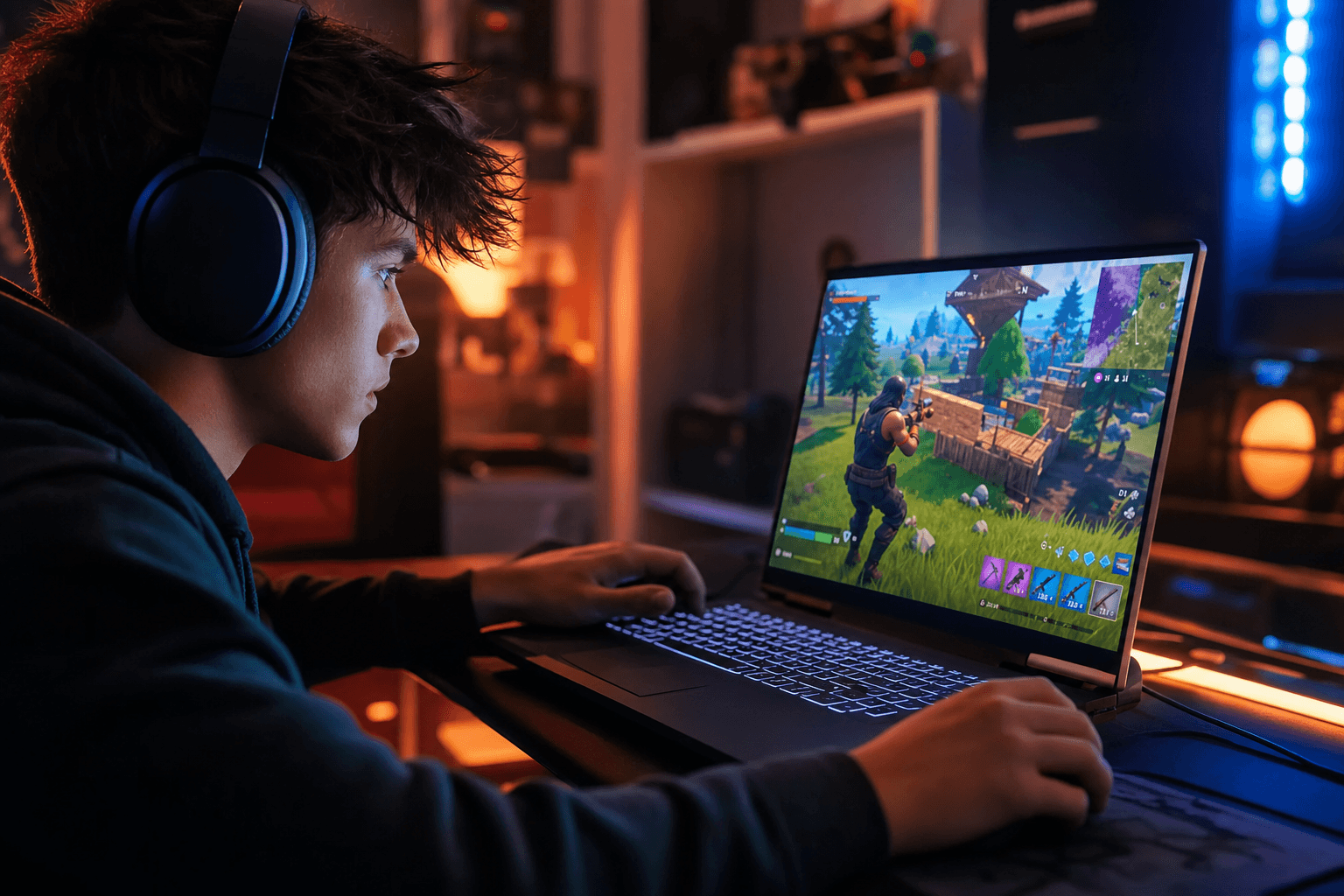
Jump into Fortnite, Roblox, Valorant, whatever you grind. Restart after Extreme Process Killer for the cleanest feel.
Names shortened. Quotes scroll left to right. Low end to high end, people report about 20 to 100 FPS added.
vouch 20+ fps added -30 ping running stable 240fps and lower lag on fn
vouch @reflux 30 fps added free version roblox went from running 30 fps to running 60+. laptop went 30 fps to 75 avg, peak 120
vouch 50+ fps -20 ms on roblox. helped me step by step and answered every question. ill buy premium soon
from 60 fps to 80, less ping less delay, tested on roblox, free version. thanks!
vouch 20+ fps added -30 ping running stable 240fps and lower lag on fn
vouch @reflux 30 fps added free version roblox went from running 30 fps to running 60+. laptop went 30 fps to 75 avg, peak 120
vouch 50+ fps -20 ms on roblox. helped me step by step and answered every question. ill buy premium soon
from 60 fps to 80, less ping less delay, tested on roblox, free version. thanks!
vouch 20+ fps added -30 ping running stable 240fps and lower lag on fn
vouch @reflux 30 fps added free version roblox went from running 30 fps to running 60+. laptop went 30 fps to 75 avg, peak 120
vouch 50+ fps -20 ms on roblox. helped me step by step and answered every question. ill buy premium soon
from 60 fps to 80, less ping less delay, tested on roblox, free version. thanks!
Start Monthly for full access, or go Lifetime and never pay again.
Most gamers start here
Everything you need to know before you tweak.
FREE builds a lighter auto profile and cleans files. PRO goes deeper. Both warn before Recycle Bin wipe. Make a restore point, then restart after Extreme Process Killer.